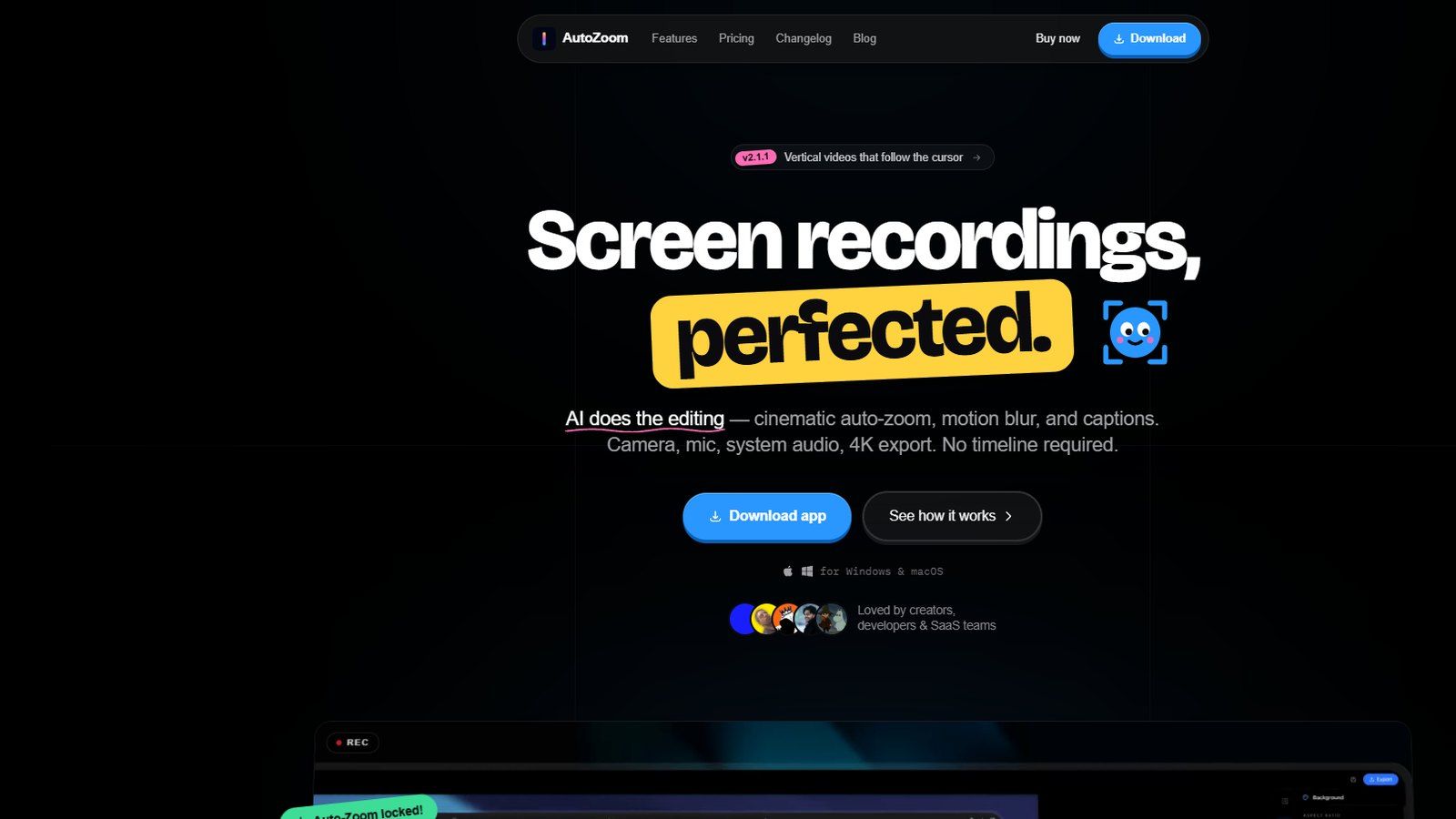
Recording a product demo is the easy part. The editing afterwards is what takes the afternoon: zooming in so a click is visible, cutting the pauses, adding captions, lining up a voiceover. AutoZoom does that work while the recording is being made.
What it does
AutoZoom records the screen on Windows and macOS and applies the edit automatically. The zoom follows the cursor and reacts to clicks, so the part of the screen being talked about is the part that fills the frame. Captions are generated from the audio. A voiceover can be added over the finished recording, and a webcam overlay can sit on top of it.
Finished recordings export up to 4K.
How it’s built
A desktop application rather than a browser tool, because it captures the whole screen and has to keep up with it while applying the zoom in real time.